
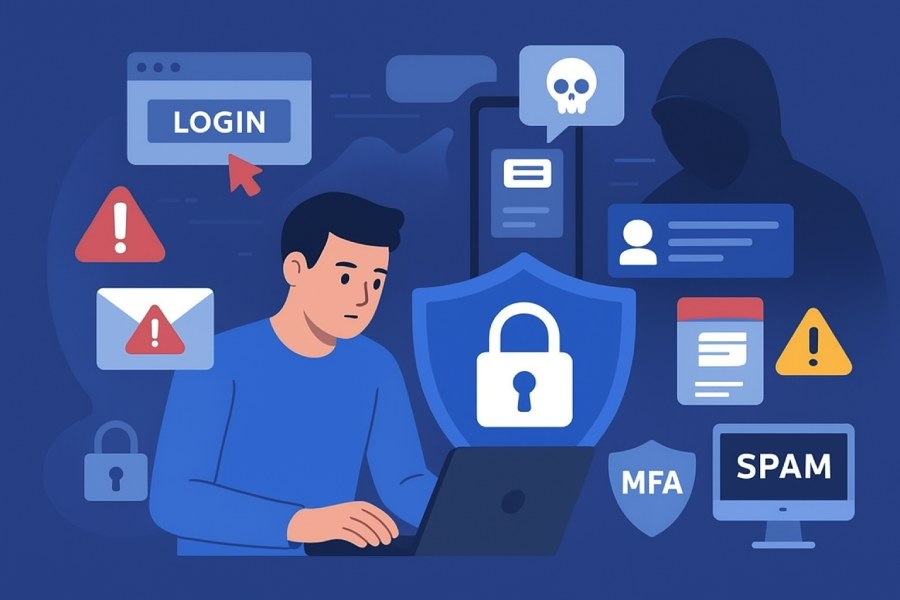
At its core, a phishing attack is a form of cybercrime where scammers masquerade as trustworthy entities to manipulate individuals into revealing sensitive data such as personal information, account numbers, and bank information. The ultimate goals of a phishing scam are to commit identity theft, gain unauthorized access to accounts, or steal financial information for fraudulent purposes. Phishing attacks often employ psychological tactics—like an urgent call to action or exploiting the appearance of authority—to pressure victims into acting quickly and without adequate scrutiny.
Cybercriminals use a variety of digital communication channels, but email remains the most common vector. A typical phishing email will attempt to trick recipients into clicking an unexpected link, downloading suspicious attachments, or providing sensitive details on a fake website that mimics an official site—such as a bank, credit card company, or popular online payment website. These fraudulent messages are often delivered en masse, with the hope of ensnaring as many unsuspecting users as possible.
Phishing isn’t limited to just stealing login credentials. Criminals may use harvested information for ongoing identity theft, committing financial fraud, or selling data on the dark web. As attackers leverage increasingly sophisticated technology, learning how to protect yourself and outsmart spam filter defenses is critical for all users—regardless of technical expertise.
Common Types of Phishing Attacks
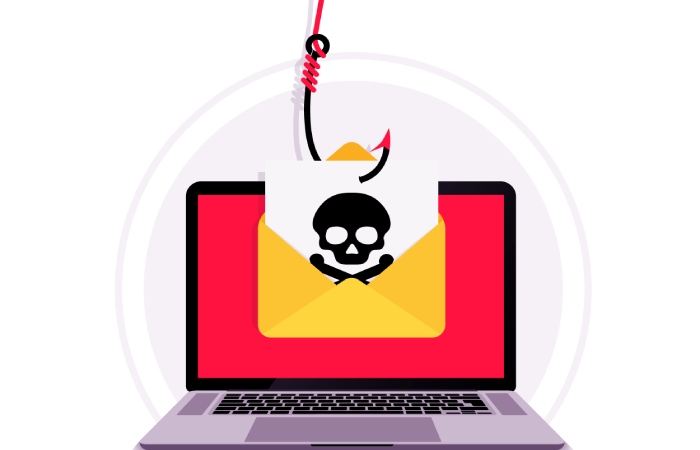
Cybercriminals utilize numerous tactics, each designed to access personal information and inflict harm, such as identity theft or direct financial loss. Understanding these methods will help you better protect yourself against phishing scams.
Spear Phishing
Unlike traditional phishing attacks, spear phishing targets specific individuals or organizations, often using detailed personal information gathered from social media or breached accounts. The phishing email might reference your role at a company, recent Teams messages, or even fake messages from what appears to be your IT support team. Since spear phishing is more tailored, the suspicious messages can be harder to spot.
Clone Phishing
In this scenario, attackers use previously delivered, legitimate emails as templates for their phishing scam. They copy the contents and change links or attachments to point to malware or fake websites. Because the message looks familiar, users may be less cautious and inadvertently expose their account information or download harmful files.
Whaling
Whaling targets high-profile individuals, such as executives, with phishing attacks that appear to come from trusted entities. These scams seek high-level account information, bank information, or may request urgent payment transfers. While not as widespread as mass phishing emails, whaling attacks can have devastating consequences for organizations and individuals alike.
Pharming
A more technical variant, pharming redirects users from a legitimate website to a fake website—even if the correct URL is entered. Cybercriminals may compromise domain name systems, tricking victims into submitting personal information and passwords to fraudulent sites that perfectly mimic authentic online portals or bank login pages.
Recognizing the Signs: How to Spot a Phishing Attempt
Awareness is one of the most effective ways to protect yourself from cybercriminals. Being able to identify a suspicious message quickly enables you to avoid falling victim to a phishing email or scam.
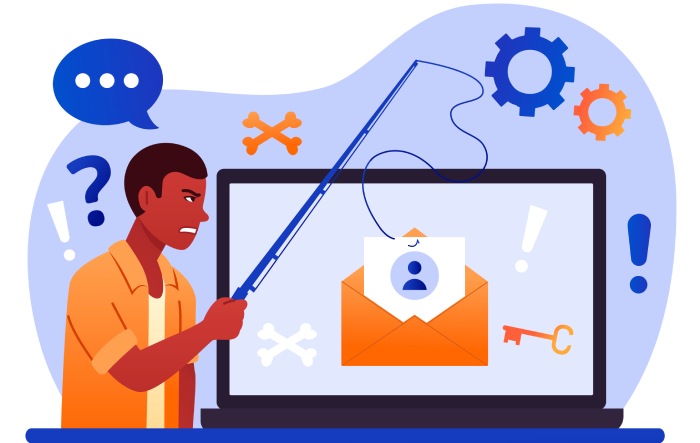
Common Red Flags
- Generic Greeting: Phishing messages often begin with vague greetings like “Dear Customer” instead of using your actual name, especially when compared to messages from your bank or a credit card company, which will usually address you directly.
- Mismatched Email Domains: Always check the sender’s email domain. A phishing attack may use addresses that closely resemble official ones but have slight differences, such as “@micros0ft.com” instead of “@microsoft.com.”
- Urgent Call to Action: An urgent request to click a link, update payment information, or change passwords immediately is a common phishing tactic—intended to bypass your natural caution.
- Unexpected Link or Suspicious Attachments: Hover over links (without clicking) to see the real URL. A phishing scam often includes links to fake websites designed to steal your information. Likewise, avoid downloading attachments from unfamiliar or unknown senders, as these often contain malware.
- Typos and Poor Grammar: Professional organizations rarely send messages with spelling or grammatical errors. A generic email riddled with such mistakes is a strong sign of a phishing email.
- Odd Requests for Sensitive Information: Legitimate organizations will never ask for personal information, passwords, account numbers, or bank information via email, Teams messages, or text message.
Unusual Log-In Attempts
Many attacks begin with emails alerting you to log-in attempts, some from unfamiliar devices or locations, and may encourage you to “secure your account” by clicking an embedded link. If you receive such a message, never click through the link in the suspicious message—instead, directly visit the official website and verify your account activity there.
Email Phishing: Tactics and Red Flags
Email remains the most common delivery method for a phishing attack. Knowing the hallmarks of a phishing email can significantly increase your online safety.
Spoofed Sender Information
A sophisticated phishing email may spoof the “From” address, making it appear to come from Microsoft, Apple, or your online bank. Attackers may also impersonate organizations like the FTC or law enforcement to frighten users into compliance.
Fake Website Links
Phishing emails aim to lure you into clicking a malicious link directing you to a fake website. Despite the site’s appearance—often mirroring Microsoft 365, Outlook, Gmail, or your bank’s portal—the web address can reveal its illegitimacy. Always hover over link text to verify the actual URL before clicking.
File Attachments Delivering Malware
Phishing attacks often include suspicious attachments—such as .zip files or Word documents. When opened, these files can install malware, compromising your device security and putting all stored personal and financial information at risk. Security software with real-time protection can help detect and block these threats before they do harm.
Defeating the Spam Filter
Cybercriminals constantly evolve their phishing techniques to outsmart spam filter technology. Some messages are crafted to look like notifications from Microsoft 365, requests to download updates for Microsoft Silverlight, Adobe Flash Player, or even faux alerts that you must “secure your device” immediately.
Beyond Email: Social Media, SMS, and Voice Phishing (Vishing)
Phishing attacks extend far beyond the inbox, adapting rapidly to exploit new communication channels and reach more victims. Recognizing these threats is essential to protect yourself and those around you.
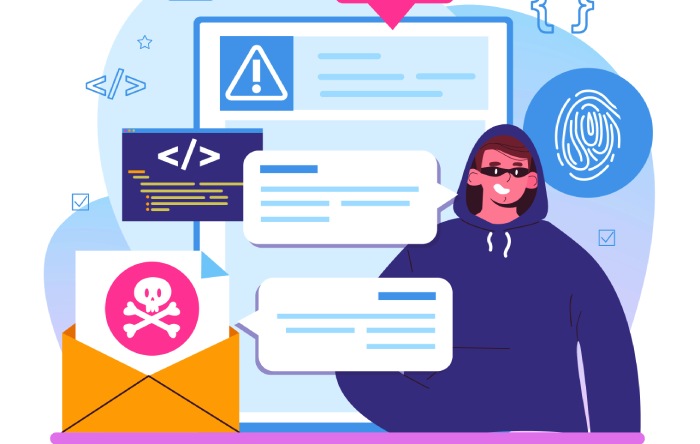
Social Media Scams
On platforms like Facebook, Twitter, and LinkedIn, attackers deploy fake profiles and malicious links to steal personal information. A phishing scam on social media may appear as a friend request or a message urging you to check out a link, download a file, or even “verify” your account information. Never provide sensitive data through direct messages—instead, verify requests directly with the person or through the official website.
SMS Phishing (Smishing)
Phishing scams delivered via text message—called smishing—are on the rise. These messages usually come with an urgent call to action, prompting you to click on an unexpected link or enter your bank information to “resolve an issue.” As with email, verify the sender before taking any action. If the message claims to be from your utility company or bank, contact them using information from their official website, not the number in the message.
Voice Phishing (Vishing)
Voice phishing, or vishing, involves fraudsters calling victims directly and impersonating organizations such as your credit card company, IT support, or law enforcement. The attacker may claim your account information is at risk and urge you to provide sensitive data or update payment information by phone. Always question unsolicited calls requesting personal information and, if in doubt, hang up and call the organization back using verified contact details.
Collaboration Platform Attacks
As work increasingly shifts to platforms such as Microsoft Teams and Office365, attackers are adapting, sending fake Teams messages or phishing emails imitating internal communications or urgent directives from management. Even messages filtered through Outlook or protected by Advanced Threat Protection can be compromised if users aren’t vigilant.
In every scenario—whether via email, social media, SMS, or voice call—the single best way to protect yourself is to pause, verify, and never act on suspicious messages. If you ever suspect a phishing attack or encounter a suspicious message, report phishing incidents immediately to IT support, your bank, or the appropriate authority, such as the FTC. Leveraging security software that can update automatically, enabling multifactor authentication or two-step verification, and routinely changing passwords all contribute to strengthening your defense against phishing scams and ensuring your personal and financial information remains secure.
The Psychology Behind Phishing Scams
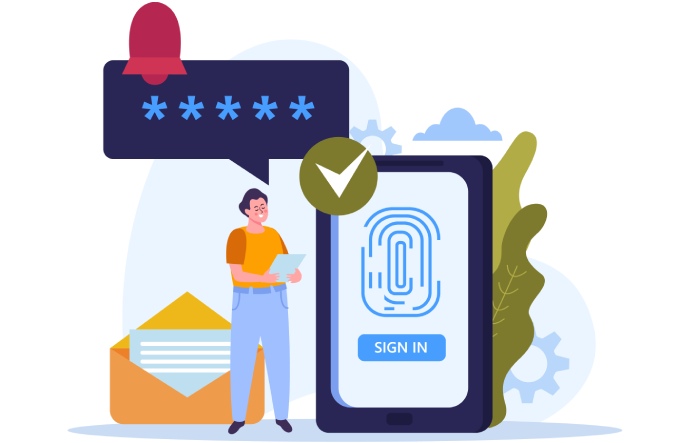
One of the core strategies of any phishing attack lies in manipulating human psychology. Cybercriminals design phishing scams to trigger strong emotional responses—most commonly fear, urgency, greed, or curiosity—so that recipients are more likely to lower their guard and divulge personal information. A typical phishing email might instill panic by warning users their bank information or account information is at risk, prompting them to act without thinking. Phishing messages often employ an urgent call to action, such as, “Your account will be suspended unless you update payment information now.”
This urgency overrides critical thinking, making individuals more susceptible to clicking suspicious links or sharing account numbers. The sense of urgency is amplified when the phishing email appears to come from a trusted entity, like a bank, a credit card company, or even Microsoft 365 or IT support teams. The use of a generic greeting or a generic email, instead of a personalized message, is common—yet in the heat of the moment, many recipients miss these subtle cues.
Another common tactic is exploiting a sense of authority. Cybercriminals may impersonate executives, government agencies, or tech giants like Microsoft or Apple, to make the fake email or phone call seem legitimate. These psychological levers are essential to how phishing attacks bypass even tech-savvy users. Understanding these motivations helps you better protect yourself and recognize the setup for a phishing scam.
Steps to Take If You Suspect a Phishing Attempt
Immediate Actions
If you receive a suspicious message—whether through Outlook, Teams messages, Gmail, or a text message—do not click any unexpected link or download any suspicious attachments. Hover over link text to preview the destination URL without clicking; mismatched email domains and fake websites are red flags. If the email seems to demand bank information, credit card details, or personal information urgently, treat it with extreme suspicion.
Verification and Reporting
Cross-verify the sender’s information by contacting the organization directly via their official website or customer service. Never use contact details provided in a suspicious email or message. If your organization uses Microsoft 365, Advanced Threat Protection can help scan for and block phishing threats, but always practice due diligence.
Report phishing incidents promptly. Most email platforms, including Outlook and Gmail, offer a “report phishing” feature. Organizations should encourage users to notify IT support or use official security channels. For individuals, you can also report phishing to law enforcement or regulatory authorities like the FTC. Don’t simply delete it; reporting helps prevent further attacks.
If You’ve Submitted Information
If you realize you’ve entered your personal information, account numbers, or financial information on a fake website, take immediate action. Change passwords on affected accounts, enable two-step verification or multifactor authentication, and alert your bank or credit card company if financial data was involved. This can limit potential identity theft or financial fraud.
Best Practices for Prevention and Protection
Enhance Device Security and Safe Browsing
Consistently use updated security software that scans for malware and blocks phishing and scam sites. Configure your security software to update automatically, keeping up with the latest threats. Safe browsing habits are essential—securely browse only trusted domains and always log out after accessing sensitive accounts.
Strengthen Authentication
Leverage multifactor authentication (MFA) or two-step verification, especially for Microsoft 365, Apple, and banking platforms. Even if a cybercriminal obtains your password, MFA makes unauthorized log-in attempts significantly more difficult.
Email Vigilance and Spam Filters
An effective spam filter can outsmart spam filter evasion tactics and keep the majority of phishing attacks out of your inbox. However, always review emails for signs such as generic greetings, unknown sender addresses, mismatched domains, suspicious attachments, and unusual requests for account or bank information.
Password Practices
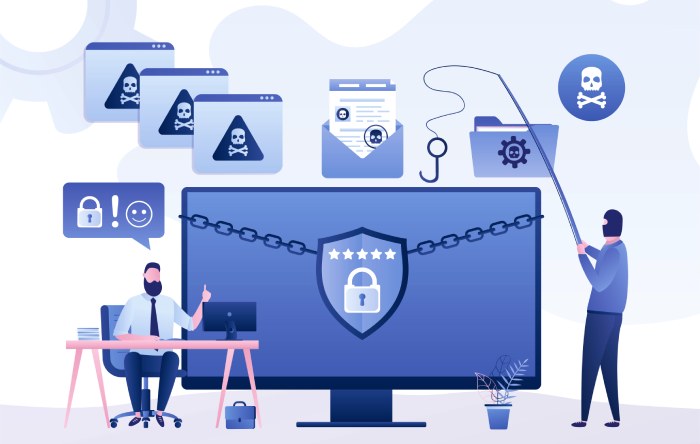
Use complex, unique passwords for each account and change passwords regularly—especially after learning of any breach. Consider using a reputable password manager like Psono password manager to securely store and generate strong passwords for all your accounts.
Update Payment Information Only on Official Sites
Only enter update payment information, financial information, or credit card details on an official website, never via a link or form sent through email or text message. Confirm URLs carefully before entering sensitive data.
Tools and Resources: Technology Solutions to Combat Phishing
Anti-Phishing Solutions in Practice
Employ robust phishing protection and security software, such as Microsoft Advanced Threat Protection or similar enterprise-grade tools, which can scan communications in Outlook, Teams, and even over Microsoft 365 for suspicious activity.
Email Authentication Technologies
Adopt protocols like DMARC, DKIM, and SPF to strengthen email authentication and prevent attackers from sending emails from your organization’s domain.
Browser and Platform Protections
Modern browsers like Microsoft Edge, Safari (Apple), and Chrome include built-in phishing and malware protection. Keep browsers updated automatically for the best protection. Enable pop-up blockers and avoid installing outdated plugins like Microsoft Silverlight, Adobe Flash Player, and Internet Explorer 9, as these can pose additional security threats.
Device Security and Monitoring
Secure your device by enabling built-in device security features, setting software to update automatically, and monitoring for malware. Many advanced security suites also track log-in attempts, flagging suspicious behavior that could indicate account compromise.
Educating Others: Spreading Awareness and Building a Culture of Security
Organizational Training
Train all users, from entry-level employees to executives, to recognize scammer tactics. Use real-life phishing email and phishing scam examples to reinforce key lessons. Establish straightforward procedures on how to report phishing or any security threat, and encourage users to consult IT support with concerns about any fake message or unknown sender.
Community and Family Practices
Spread awareness among friends, family, and social media networks. Many scams target personal information through Teams messages or Outlook invitations, so reminding others to double-check before clicking an unexpected link is critical. Share resources from the FTC and other trusted entities on how to outsmart spam filter tricks and identify malicious emails.
Encourage Reporting
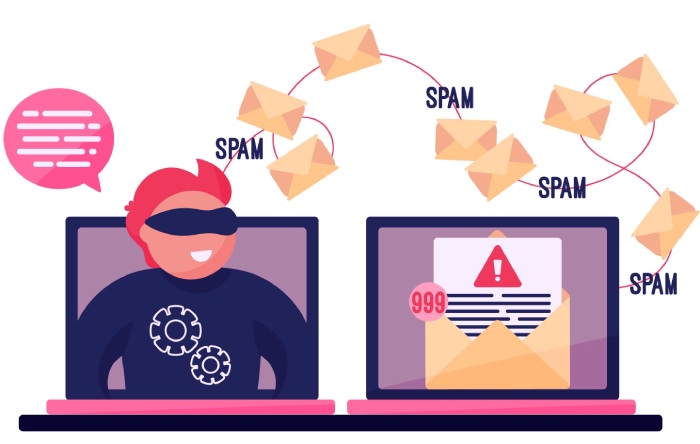
A prompt and efficient report it culture can help stop phishing attacks from spreading. Foster an environment where no one feels judged for coming forward about a suspicious message, as early detection is key to minimizing the impact of a scam.
FAQs
What should I do if I accidentally clicked a link in a phishing email?
Immediately disconnect from the network, update security software, run a full malware scan, and change passwords on compromised accounts. Notify your bank, credit card company, or organization’s IT support as needed, and report phishing to the appropriate parties.
How can I recognize a phishing scam or fake website?
Many phishing attacks use generic greetings, urgent calls to action, mismatched email domains, and request sensitive information such as bank information and credit card details. Always hover over link text, look for HTTPS on the official website, and verify sender details before responding.
Are spam filters and security software foolproof against phishing?
While a robust spam filter and security software greatly reduce phishing attack success, cybercriminals constantly evolve their tactics to outsmart spam filter technology. Vigilance and education remain crucial—always review emails for authenticity.
What information should never be shared in response to a suspicious message?
Never provide personal information, account information, bank information, credit card details, account numbers, or passwords in response to an unsolicited email, text message, or phone call. Legitimate organizations will not request this data through these channels.
Can phishing attacks happen outside of email?
Yes, phishing scams can be delivered through text messages, social media, Teams messages, and even phone calls. Always verify the legitimacy of any request for sensitive information, regardless of the channel.
Key Takeaways
- Phishing attacks exploit psychological triggers such as urgency, authority, and fear to trick users into exposing personal information and account data.
- Consistently updating security software, setting browsers and devices to update automatically, and using spam filters are critical to your defense.
- Always verify suspicious messages and report phishing attempts through official channels—never provide sensitive information in response to unexpected requests.
- Enable multifactor authentication and use strong, unique passwords to secure your device and accounts from identity theft and fraud.
- Foster a culture of security awareness by educating colleagues, friends, and family about common scammer tactics and the importance of reporting suspicious activity.