

Spear phishing succeeds because it blends social engineering with business realism. Cybercriminals mine LinkedIn org charts, press releases, and leaked credentials from a prior data breach to craft personalized emails that look routine: a vendor remittance, a benefits portal update, or a CFO approval.
These spear phishing emails arrive through trusted email channels at precisely the right moment, creating a timed attack that plays on pressure tactics and authority cues. In today’s hybrid workplace, approvals often happen over mobile devices and Zoom, letting a spear phishing attack slip past hurried reviewers.
Modern campaigns increasingly mimic internal workflows—DocuSign routings, SharePoint shares, or a wire approval chain—so the phishing email aligns with how your company actually works. Proofpoint’s research shows this “contextual cloning” of business processes dramatically raises click-throughs. The infamous Lithuanian scam artist who tricked Google and Facebook via business email compromise proved how convincing impersonation can be at scale.
Threat actors also co-opt big-brand identities (from J.P. Morgan alerts to a “Quantas Computer Inc” shipment notice) to camouflage a phishing attack as a standard notification. The result: a cyber attack that looks like routine administration, triggers online fraud, and culminates in financial fraud.
How to read these 12 cases: selection criteria, anatomy of an attack, and risk context
These real-world examples were selected for diversity (finance, IT, HR), impact (financial loss, data exposure), and teachability (clear red flags). Each spear phishing attack typically follows an anatomy:
- Recon: harvesting personal and business details from a data breach, social media, and prior phishing email threads.
- Lure: personalized emails using a spoofed email domain or compromised account to deliver a plausible payment request or policy update.
- Action: credential theft, malware delivery, or bank transfer fraud via changed bank details and fake invoice approvals.
The risk context spans financial loss and company reputation damage. A single business email compromise can cascade into a data breach and secondary cyber attack (e.g., database manipulation or ransomware).
Trustpair and similar fraud prevention platforms address supplier impersonation with automatic account validation, email validation, and supplier validation to harden email channels. Pair that with strong internal controls: authentication (MFA), a double approval system for payments, the four eyes principle, and security controls such as antivirus software.
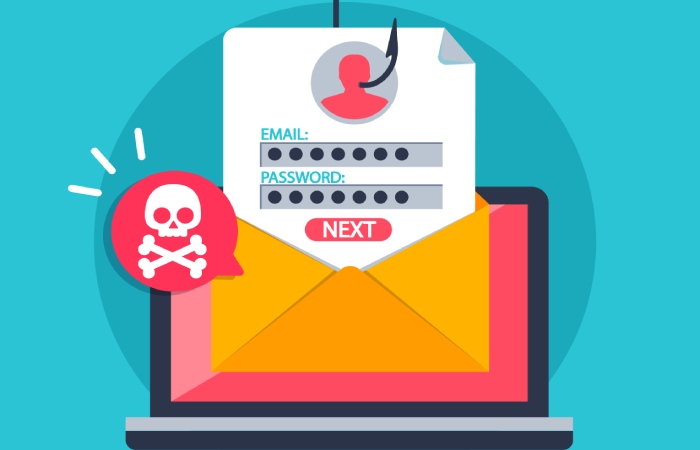
Remember the fraud triangle—opportunity, rationalization, and pressure—which shows why both external threats and internal fraud or employee fraud require vigilant fraud detection, cybersecurity upgrades, and fraud awareness training. The US Department of Justice prosecutions (from the Google/Facebook case to cases like Xoom’s BEC disclosure) underline the persistent threat of fraud.
Forbes’ coverage of the Australian hedge fund Levitas Capital highlighted how a single spear phishing email led to catastrophic outcomes; Mr Fagan, a co-founder, has spoken about the lessons for administrators and senior executive oversight.
Examples 1–3: Executive and vendor impersonation (BEC) — CFO wire request, fake invoice from a known supplier, supplier bank-change notice — and the red flags you missed
Example 1: CFO wire request (senior executive impersonation)
A message that appears to be from the CFO authorizes an urgent wire transfer for a confidential acquisition. The spear phishing email references a real third-party vendor and cites a legitimate project code scraped from a prior data breach. This is classic CEO fraud and business email compromise engineered as a spear phishing attack to induce wire transfer fraud or bank transfer fraud.
Red flags you missed
- Spoofed email domain with a single-character swap; no email validation or DMARC alignment.
- Unusual payment request outside the approval workflow; missing the double approval system/four eyes principle.
- New bank details attached for urgency; no due diligence or automatic account validation via Trustpair prior to release.
- Pressure tactics (“board review in 15 minutes”) short-circuiting authentication and security controls.
Example 2: Fake invoice from a known supplier (invoice fraud)
Attackers send a polished fake invoice that perfectly matches past amounts and line items. The supplier impersonation uses stolen logos and threading of a prior email chain to appear routine across email channels. Target: accounts payable administrator who processes recurring bills.
Red flags you missed
- Slightly altered reply-to in the spoofed email; change detected by email validation tools if enabled.
- Updated account details and SWIFT on the attached fake invoice; no supplier validation call-back on a verified phone number.
- Document metadata points to an external author; fraud detection rules are not tuned to spot this phishing email pattern.
- Lack of strong internal controls for vendor master changes.
Example 3: Supplier bank-change notice (BEC with remittance hijack)
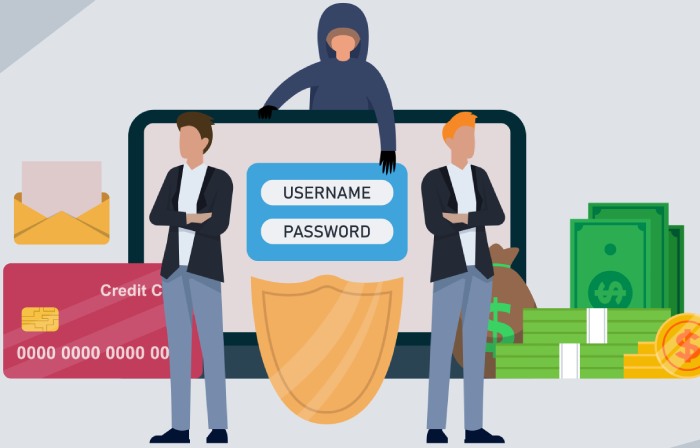
An email “from” a long-term third-party vendor announces a bank-change due to a merger. This vector has been tied to costly online fraud; the Levitas Capital incident (an Australian hedge fund) began with a Zoom-themed phishing email and culminated in fraudulent payments that contributed to the fund’s collapse, as reported by Forbes. Similar BEC ploys have hit firms from Xoom to global manufacturers.
Red flags you missed
- Mismatch between sender display name and domain; impersonation of a vendor contact.
- Request to update bank details without a signed amendment; no Trustpair-style automatic account validation.
- Payment urgency tied to shipment release (a timed attack); missing out-of-band authentication with the senior executive or vendor.
- Policy gaps: no “change freeze” plus independent callback verification.
Examples 4–6: IT and security spoofing — urgent MFA reset, VPN login scare, counterfeit DocuSign/SharePoint — and the red flags you missed
Example 4: Urgent MFA reset (credential harvest)
A notice “from IT” warns that your authentication token expires today. The link leads to a cloned SSO page. This spear phishing attack steals credentials, enabling lateral movement, internal fraud, and a downstream cyber attack.
Red flags you missed
- Generic greeting despite personalized emails elsewhere; inconsistent voice compared with internal IT.
- Link resolves to a non-corporate domain; antivirus software and web filters are not blocking the phishing attack.
- Request sent outside business hours (timed attack); no security awareness training prompting a helpdesk call.
- No SOC alerting on impossible travel login; weak fraud detection on identity anomalies.
Example 5: VPN login scare (account compromise lure)
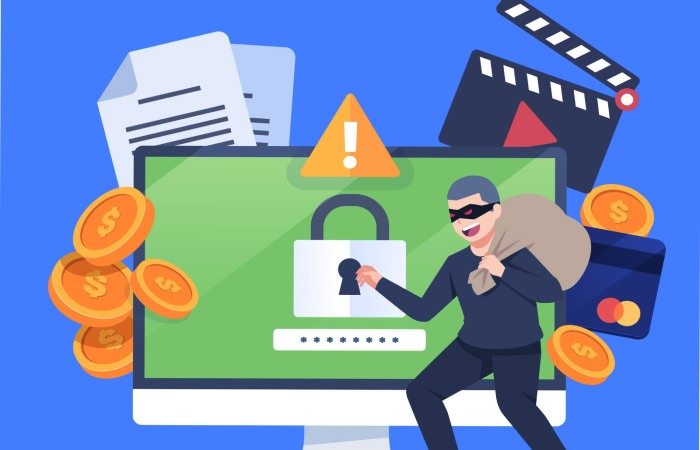
You receive a phishing email claiming multiple failed VPN logins from a foreign IP at J.P. Morgan’s “security center” look-alike site. The goal is credential capture and potential database manipulation, leading to a broader data breach.
Red flags you missed
- Brand misuse and impersonation of a bank’s alert; Google Safe Browsing would flag the domain if checked.
- Request for full account details under urgency; security controls should block such personalized emails at the gateway.
- Message formatting off-brand; Proofpoint or similar SEG detections not tuned.
- Lack of fraud prevention playbooks for account lock events.
Example 6: Counterfeit DocuSign/SharePoint (malware + credential mix)
A document-share request claims a board resolution awaits your signature. The spear phishing email links to a counterfeit SharePoint, then drops malware if macros are enabled—setting the stage for a silent data breach and financial fraud later.
Red flags you missed
- Sender uses a free mailbox; spoofed email notifications outside approved email channels.
- Attachment requests to “Enable Content” are a hallmark of malware delivery.
- No verification through the actual SharePoint/DocuSign app; skipped due diligence on document origin.
- Missing SSO-enforced authentication prompts; weak email validation and link rewriting.
Examples 7–9: HR and payroll targeting — W‑2 data request, direct-deposit switch, benefits portal “update” — and the red flags you missed
Example 7: W‑2 data request (PII exfiltration)
“From” the senior executive or HR head, a spear phishing email asks payroll to send W‑2 PDFs for an audit. Personal information theft that follows can trigger a data breach notification and DOJ interest, similar to US Department of Justice actions in other identity-related online fraud. These real-world examples show how a simple phishing email leads to a complex cyber attack chain.
Red flags you missed
- Unusual ask over email channels for bulk PII; policy requires secure portal transfer.
- Missed callback verification; no four eyes principle for sensitive exports.
- Weak fraud awareness training; employees are unfamiliar with phishing scam markers.
- No DLP alert on outbound SSNs; inadequate fraud detection and cybersecurity monitoring.
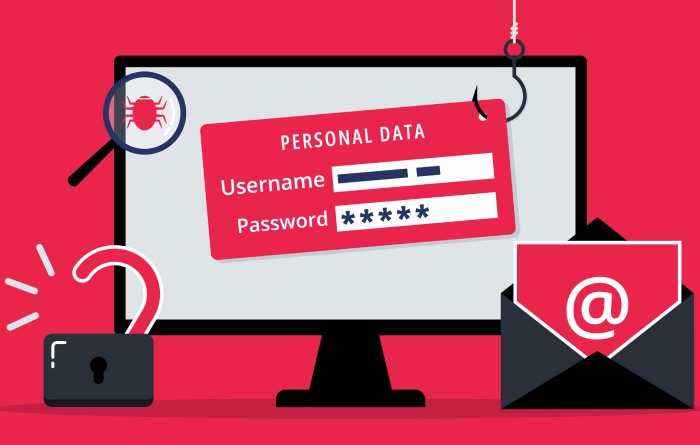
Example 8: Direct-deposit switch (payroll diversion)
A “new employee bank” notice requests changing account details before the next pay cycle. Whether external fraud or employee fraud, this is financial fraud with an immediate impact.
Red flags you missed
- Bank details updated via email without an HRIS change ticket; no double approval system.
- No automatic account validation; skipped supplier validation-style checks adapted for employees.
- Email sent right before payroll cutoff (timed attack); exploitation of opportunity in the fraud triangle and rationalization signals ignored.
- Absent due diligence call to the employee’s verified phone number.
Example 9: Benefits portal “update” (SSO phishing)
A benefits “maintenance” email pushes you to reauthenticate. The impersonation page steals credentials, enabling internal fraud, data breaches of health records, and reputational fallout.
Red flags you missed
- Off-brand URL and certificate mismatch; the authentication page lacks corporate SSO cues.
- Request for full account details, including security questions; excessive data capture.
- No cybertraining reinforcement; users missed the spoofed email indicators.
- Weak security controls around portal access; inadequate email validation and monitoring.
These nine real-world examples demonstrate how spear phishing, when executed as a targeted spear phishing attack with convincing personalized emails, exploits email channels and business workflows to drive online fraud. Strengthening fraud detection, applying strong internal controls, and investing in fraud prevention and security awareness training—supported by tools like Trustpair and Proofpoint—reduce the likelihood that a phishing email or phishing attack becomes a full-blown cyber attack, data breach, and financial fraud incident.
Entities from Facebook and Google to Xoom have learned the hard way; brands like J.P. Morgan publish guidance to raise defenses; and high-profile fraud cases (from the Lithuanian scam artist to Charlie Javice and Frank, as charged by the US Department of Justice) remind leaders that due diligence must extend far beyond the inbox.
Examples 10–12: Social and media lures and the red flags you missed
Example 10: LinkedIn recruiter outreach targeting senior talent
A spear phishing email arrives via LinkedIn InMail and then pivots to corporate email channels, posing as a senior executive recruiter from J.P. Morgan. The message uses personalized emails that reference your alma mater, prior roles, and a timely “timed attack” window to schedule interviews on short notice. This spear phishing attack exploits social engineering by dangling an exclusive opportunity and asking for a resume “update” via a link that lands on a spoofed Google Drive page.
Red flags you missed
- Impersonation cues: the recruiter’s profile has minimal history, a mismatched employment timeline, and a recently created account.
- Domain lookalike and spoofed email: the follow-up comes from recruit-jpmcareer[.]com, not jpmorgan.com, with subtle homograph characters.
- Authentication gaps: no DMARC alignment; the header shows a sending IP unrelated to known J.P. Morgan infrastructure.
- Data capture intent: the form requests bank details and account details “for relocation setup,” indicating personal information theft for online fraud and potential financial fraud.
Example 11: Conference speaker invitation with short-notice logistics
You’re invited to keynote a virtual panel “hosted” on Zoom. The organizers cite past talks and quote a line from a Forbes profile to increase credibility—classic spear phishing personalization. The payment request for a “speaker honorarium” arrives via a fake invoice attached as a PDF that installs malware when opened, turning a phishing email into a cyber attack.
Red flags you missed
- Event domain inconsistency: outreach from global-techforum[.]events, but payment flows to a third-party vendor with no supplier validation trail.
- Payment urgency: pressure tactics to confirm bank transfer fraud within 60 minutes “to secure your slot.”
- Attachment traits: the PDF is a disguised executable; the filename uses double extensions (agenda.pdf.exe).
- Wire transfer fraud setup: the banking instructions reference a Lithuanian intermediary—similar to the US Department of Justice case where a Lithuanian scam artist impersonated Quanta Computer Inc (often misspelled “Quantas Computer Inc”) to trick Google and Facebook.
Example 12: Journalist inquiry seeking comment on a breaking story
A reporter claiming to write for Forbes asks for comment on a “developing story” about a business email compromise at a peer company. The spear phishing email contains believable media etiquette, includes a calendar link, and requests background documents. The payload is a link redirect chain that lands on a cloned Microsoft 365 page to harvest credentials—turning a seemingly harmless media query into a sophisticated spear phishing attack.
Red flags you missed
- Email validation failure: the journalist’s address fails SPF and uses a newsforbes[.]press domain, not forbes.com.
- Link redirects: shortened URLs that hop through multiple open-redirects before a phishing attack login page.
- Unnecessary document requests: demands for invoices, vendor lists, and administrator credentials “to verify quotes,” inviting internal fraud and supplier impersonation risks.
- Social engineering alignment: the pretext ties to real-world examples of CEO fraud, making the narrative believable.
Forensics walk-through: header anomalies, domain lookalikes, link redirects, and attachment traits
Header anomalies that betray delivery paths
- Received chain: misordered hops and private RFC1918 IPs in public paths suggest forwarding through compromised email channels.
- Authentication failures: missing or misaligned SPF/DKIM/DMARC undermine trust; Proofpoint and similar email security controls flag these inconsistencies.
- Display-name tricks: senior executive impersonation via “From: CFO ” with a different return-path.
What “clean” looks like
- Consistent HELO/EHLO identity, aligned SPF and DKIM, and DMARC=pass with a recognized domain.
- Reverse DNS that matches the sending IP and organization.
Domain lookalikes and homograph traps
- Swapped or added characters (jpmorgan-careers vs jpmorgan), Cyrillic letters that visually mimic Latin, and top-level domain swaps (.co vs .com).
- Supplier impersonation via fake supplier domains is used for fake invoice schemes and database manipulation attempts.
Tools and techniques
- WHOIS creation date checks, passive DNS, and brand monitoring.
- Trustpair for automatic account validation of supplier bank details to prevent payment diversion.
- Browser isolation and sandboxing to inspect destination content safely.
Link redirects and attachment traits hidden in plain sight
- Redirect ladders: URL shorteners to compromised blogs to cloned portals—used in spear phishing to evade fraud detection.
- Attachment indicators: double extensions, uncommon MIME types, macros, and lures to bypass antivirus software.
- Malware beacons: post-open callbacks to C2 infrastructure, sometimes aligned with a timed attack window after business hours to dodge the four eyes principle.
Deep dive: header-based heuristics
- Evaluate Message-ID domains, Return-Path divergence, and ARC seals to detect forwarding by cybercriminals or compromised third-party vendor accounts.

Impact analysis: financial loss, data exposure, regulatory and legal consequences
Financial loss and operational disruption
Across the twelve real-world examples, organizations faced direct financial loss through bank transfer fraud and wire transfer fraud, plus indirect costs from incident response and downtime. Cases echo the losses at Xoom (BEC leading to fraudulent transfers) and the Google/Facebook scheme orchestrated by the Lithuanian scam artist via Quanta Computer Inc invoices.
For the Australian hedge fund Levitas Capital, co-founder Mr Fagan described how a Zoom-themed spear phishing attack ultimately precipitated fund closure—an enduring hit to the company’s reputation.
Data exposure and downstream damage
Credential theft leads to lateral movement, internal fraud, and employee fraud when attackers harvest shared mailboxes and payment workflows. A single spear phishing email can culminate in a data breach that exposes customer PII, bank details, and account details, opening the door to online fraud, identity abuse, and long-tail regulatory notifications.
The Frank/Charlie Javice controversy underscores how misrepresented data can trigger investigations, showing how personal information dynamics and due diligence failures create compounded risk even outside overt phishing scam mechanics.
Regulatory, legal, and stakeholder repercussions
Regulators and the US Department of Justice scrutinize business email compromise and related schemes; civil litigation can follow after a phishing attack leads to unauthorized transfers. Insurers may contest coverage if strong internal controls were lacking. Board oversight, audit findings, and administrator accountability multiply when security controls, authentication rigor, and fraud prevention processes are inadequate.
Mitigation playbook: verification workflows, least-privilege processes, and mapped technical controls
Verification workflows that break the kill chain
- Out-of-band callbacks: Confirm every payment request via a verified phone number from a system of record; never from the email that initiated the request.
- Double approval system: Apply the four eyes principle for new beneficiaries, changes to bank details, and urgent payments.
- Supplier validation: Formalize due diligence, email validation, and automatic account validation for all third-party vendor onboarding.
Use Trustpair to continuously reconcile supplier identities and banking coordinates before the release of funds, strengthening overall phishing protection and reducing the likelihood of payment fraud.
Mapped controls to common red flags
- Impersonation and spoofed email: DMARC enforcement, display-name blocking, and executive impersonation detection rules.
- Fake invoice and invoice fraud: ERP-integrated supplier validation, payment holds for first-time beneficiaries, and reconciler attestation.
- Link/attachment traps: sandbox detonation, banner warnings, and attachment filtering for risky MIME types.
Four eyes principle in practice
Route any payment request or change-of-account details through segregated duties—initiator, approver, and verifier separated across teams to remove opportunity and rationalization in the fraud triangle.
Least-privilege processes and resilience
- Restrict payment initiation rights; adopt role-based access and step-up authentication for sensitive workflows.
- Session timeouts and transaction throttles to blunt timed attacks after hours.
- Strong internal controls: immutable audit trails, administrator dual control, and just-in-time elevation to shrink opportunity windows for internal fraud.
Technical controls aligned to spear phishing threats
- Email security: Proofpoint or equivalent to enforce authentication, detect domain lookalikes, and block spear phishing emails.
- Endpoint defense: EDR plus antivirus software to stop malware loaders.
- Identity: phishing-resistant authentication (FIDO2/WebAuthn) and conditional access to mitigate business email compromise.
- Training: continuous cybertraining and fraud awareness training that emphasizes social engineering patterns in personalized emails.
Quick-reference checklist and action plan
Checklist: immediate red flags across social and media lures
- Unverified domains, recent registrations, or homographs in sender addresses.
- Urgent payment request tied to event logistics or recruiter “sign-on bonuses.”
- Requests for bank details, account details, or administrator access “to prepare paperwork.”
- Link shorteners, multi-hop redirects, and files with double extensions.
- Claims of senior executive impersonation or name-dropping of brands (Google, Facebook, J.P. Morgan) without verifiable context.
30–60–90 day action plan
- 30 days: Enforce DMARC, tighten email validation, and deploy banner warnings; roll out targeted security awareness training on social engineering and media lures.
- 60 days: Implement supplier validation with Trustpair, enable the double approval system for new beneficiaries, and add transaction limits to curb bank transfer fraud.
- 90 days: Mature fraud detection analytics, codify strong internal controls, conduct tabletop exercises on business email compromise, and benchmark fraud prevention outcomes with KPIs tied to financial fraud reduction.
Key Takeaways
- Social and media lures amplify spear phishing by pairing personalized emails with urgent, believable pretexts across multiple email channels.
- Rigorous verification, supplier validation, and the four eyes principle stop fake invoices, bank detail changes, and payment fraud before funds move.
- DMARC, EDR, phishing-resistant authentication, and sandboxing form a technical backbone against impersonation, malware, and link-based traps.
- Continuous fraud awareness training with real-world examples strengthens human detection, complementing automated fraud detection.
- Map red flags to specific controls to reduce financial fraud risk and protect the company’s reputation while minimizing data breach exposure.